Everything's ready — your part is ~3 minutes
WIN ▶ TV — Channel Launch Kit
I can't create the channel for you (it's tied to your Google login), but I've prepared every asset and every word. Follow the steps, paste the blocks, upload the art — done.
⚠️ Honest note: only you can create the channel (Google account + YouTube terms). YouTube's API can't create channels either — it only manages an existing one. Everything below makes your 3 minutes effortless.
① Create the channel (3 minutes)
- Sign in at youtube.com with the Google account you want to own the channel.
- Click your profile picture → Create a channel → choose Use a custom name → enter WIN TV — Weather Intelligence Network → Create.
- Go to studio.youtube.com → Customization → Branding: upload the avatar and banner below.
- Customization → Basic info: paste the handle, description, and links blocks below.
- Upload Episode 1 → paste its title + description (below) → Publish. Repeat per episode.
- Send me the channel URL + each video ID → I wire them into win-tv.html so the players + Subscribe go live.
② Channel art — upload-ready (rendered to YouTube spec)

③ Paste-ready channel details
Channel name
WIN TV — Weather Intelligence Network
Handle (try in this order — first available wins)
@WINweatherTV
@WeatherIntelligenceNetwork
@WIN_TV
Channel description / About
WIN TV — the Weather Intelligence Network.
Real storms, told as short documentaries — and the AI that now sees them coming. Each episode shows how the WIN system turns live weather data into life-saving action: routing help, warning households, and dispatching restoration crews in real time.
Watch an episode, then activate WIN for your own area in about 30 seconds. A branded, E911-ready line that forwards to the phone you already carry.
▶ New mini-documentary every two weeks.
⚡ Activate during any episode — link in each description.
❤️ Technology that saves lives.
A TELVERGENCE channel.
Links section (Customization → Basic info → Links)
Activate WIN → /cowork-campaign/vault-7kq9x2m4/win-tv.html
Live storm dashboard → /cowork-campaign/vault-7kq9x2m4/telvergence-demo.html
TELVERGENCE → https://telvergence.com
Search keywords (Settings → Channel → Basic info)
weather, storm, hurricane, tornado, emergency alerts, weather intelligence, AI weather, disaster response, storm dispatch, restoration, E911, severe weather, WIN
④ Channel trailer script (60–75 sec)
[0:00] Cold open — storm footage, no words. A radar sweep.
[0:05] VO: "Every year, the same story. The storm comes. The warning comes too late."
[0:14] VO: "This channel is about the minutes in between — and the technology that's learning to win them back."
[0:22] Reveal the WIN mark. "Welcome to WIN TV — the Weather Intelligence Network."
[0:30] Quick cuts: the live dashboard, a number activating, a phone ringing.
[0:40] VO: "Real storms. Real data. And a system anyone can activate — in about thirty seconds — to protect what matters."
[0:52] VO: "New mini-documentary every two weeks. Watch one. Then activate. The link is right below."
[1:00] End card: WIN TV ▶ · Subscribe · Activate link.
⑤ Episode titles + ready-to-paste descriptions
Each description ends with that episode's real-time activation deep-link, so the tracker shows which episode drove each activation.
⑥ Thumbnails — ready to upload (1280 × 720)
One per episode, brand-consistent. Download and set each as its video's thumbnail.
⑧ Trailer thumbnail + end-screen card

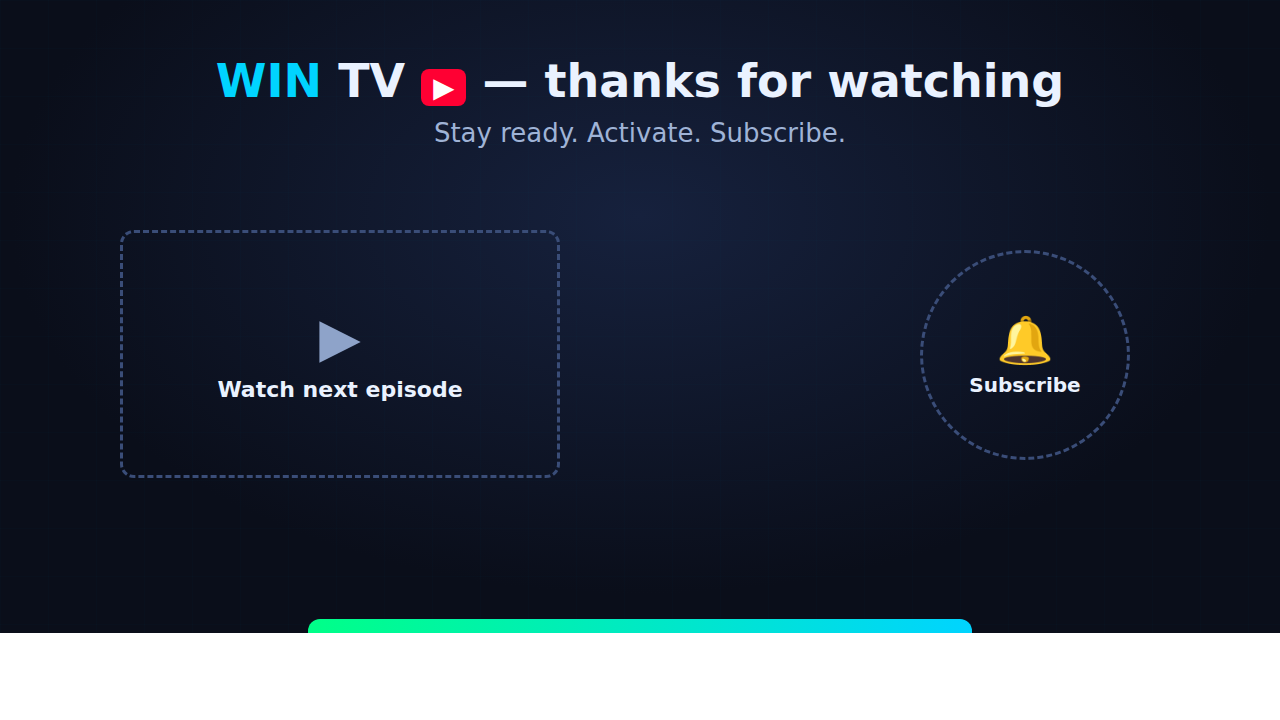
End-screen card — 1280 × 720 (place Subscribe + next-video on the dashed zones)
 ⬇ Download end-screen card
How to use the end-screen card
Add it as the background for the last ~20 seconds of each episode, then in YouTube Studio → end screen, drop a Subscribe element on the right circle and a video/playlist element on the left frame — they'll line up with the printed zones.
⑦ Channel trailer is set — now the launch posts
Channel "community" launch post (or first pinned comment)
🌀 Welcome to WIN TV — the Weather Intelligence Network.
Real storms, told as short documentaries — and the AI that now sees them coming. Every episode shows how live weather data becomes life-saving action… and lets you activate that same protection for your own home in about 30 seconds.
▶ New mini-documentary every two weeks.
⚡ Activate WIN during any episode — link in the description.
📍 On our site, the page even reads your live local conditions and matches an episode to the weather happening near you right now.
Subscribe and turn on alerts. The next storm won't wait. ❤️
Pinned comment (per episode — swap the link)
⚡ Want this for your own area? Activate WIN in ~30 seconds — a branded, E911-ready line that forwards to the phone you already carry. No new handset, no SSN. 👉 /cowork-campaign/vault-7kq9x2m4/win-tv.html?ep=1
See your LIVE local storm conditions there too. Stay safe. 🌀
Short (Shorts/TikTok/Reels) caption
The warning came too late — again. Here's the tech changing that. ⚡ Activate WIN for your area (link in bio). #weather #storm #hurricane #tornado #WIN #safety
When the channel exists, send me the URL + video IDs and I'll make the players + Subscribe button live on win-tv.html. · WIN TV page · Bookmark